
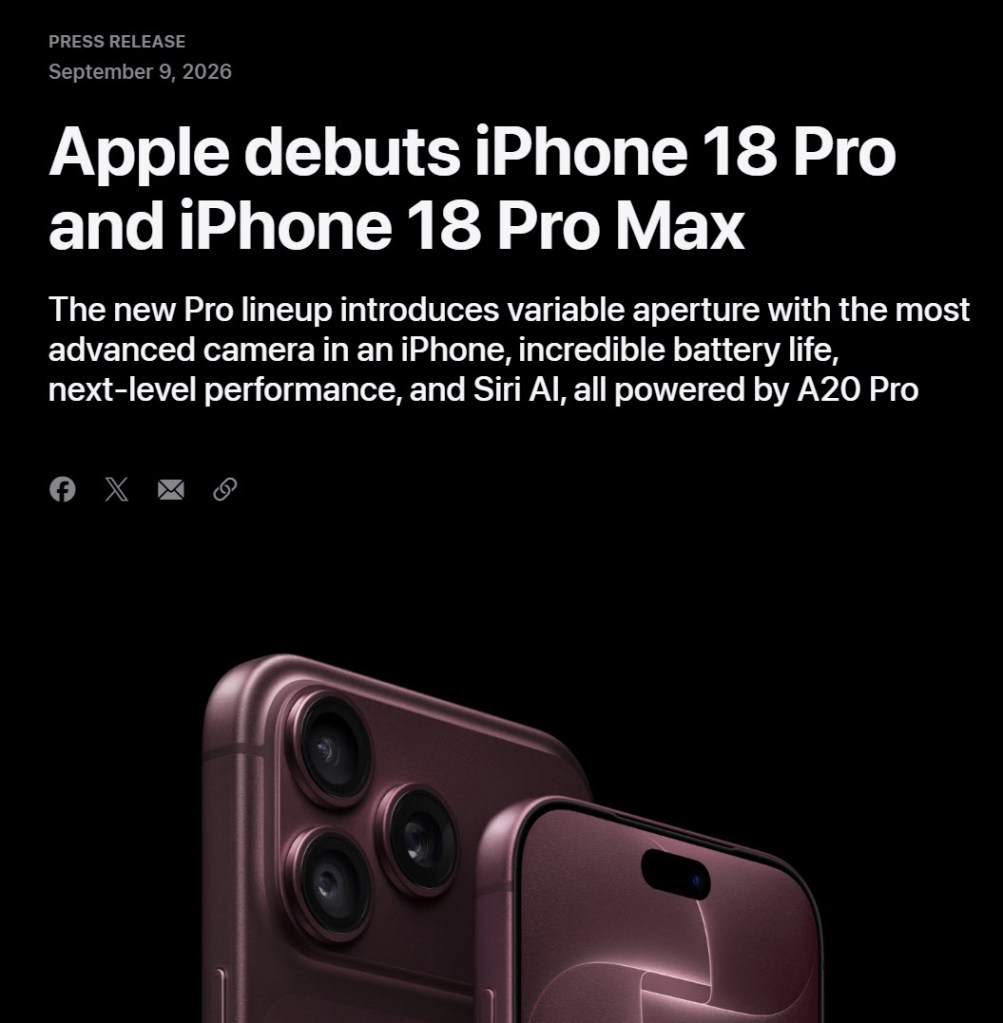
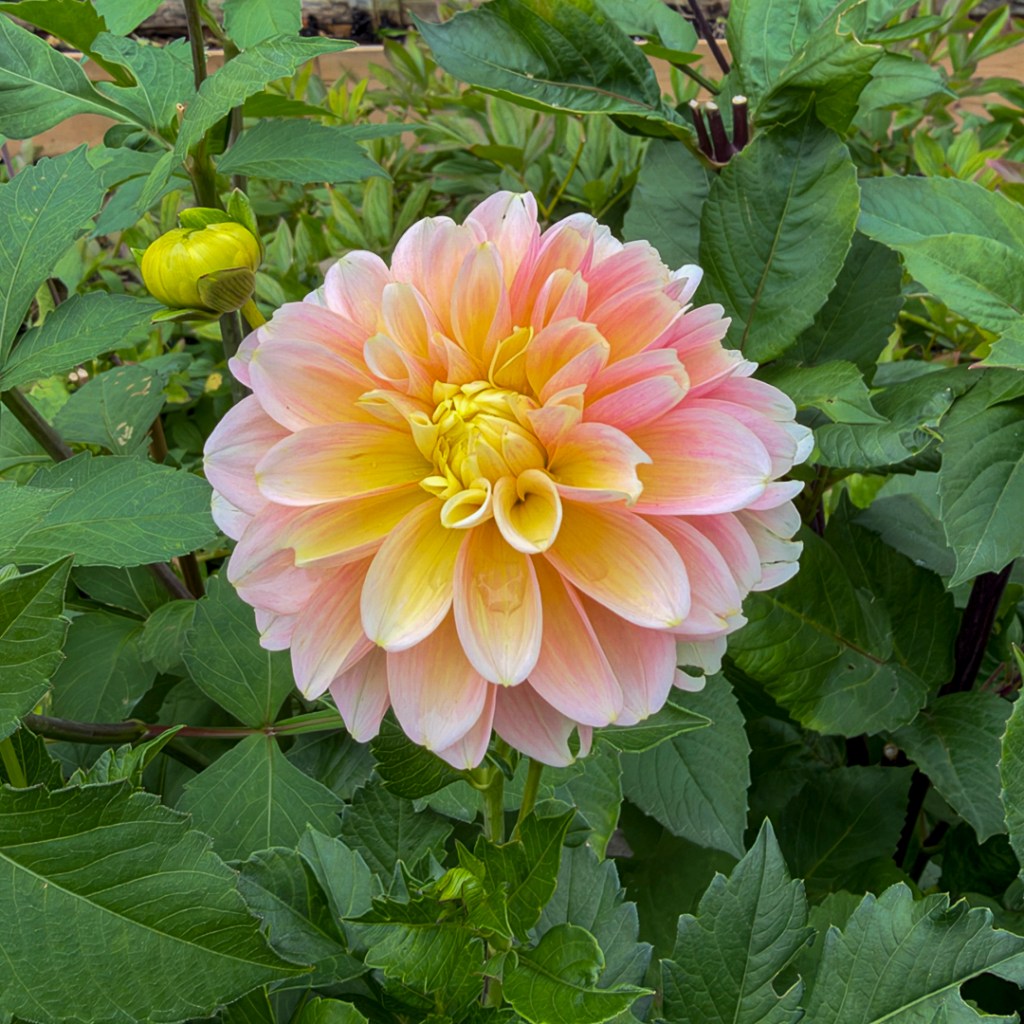
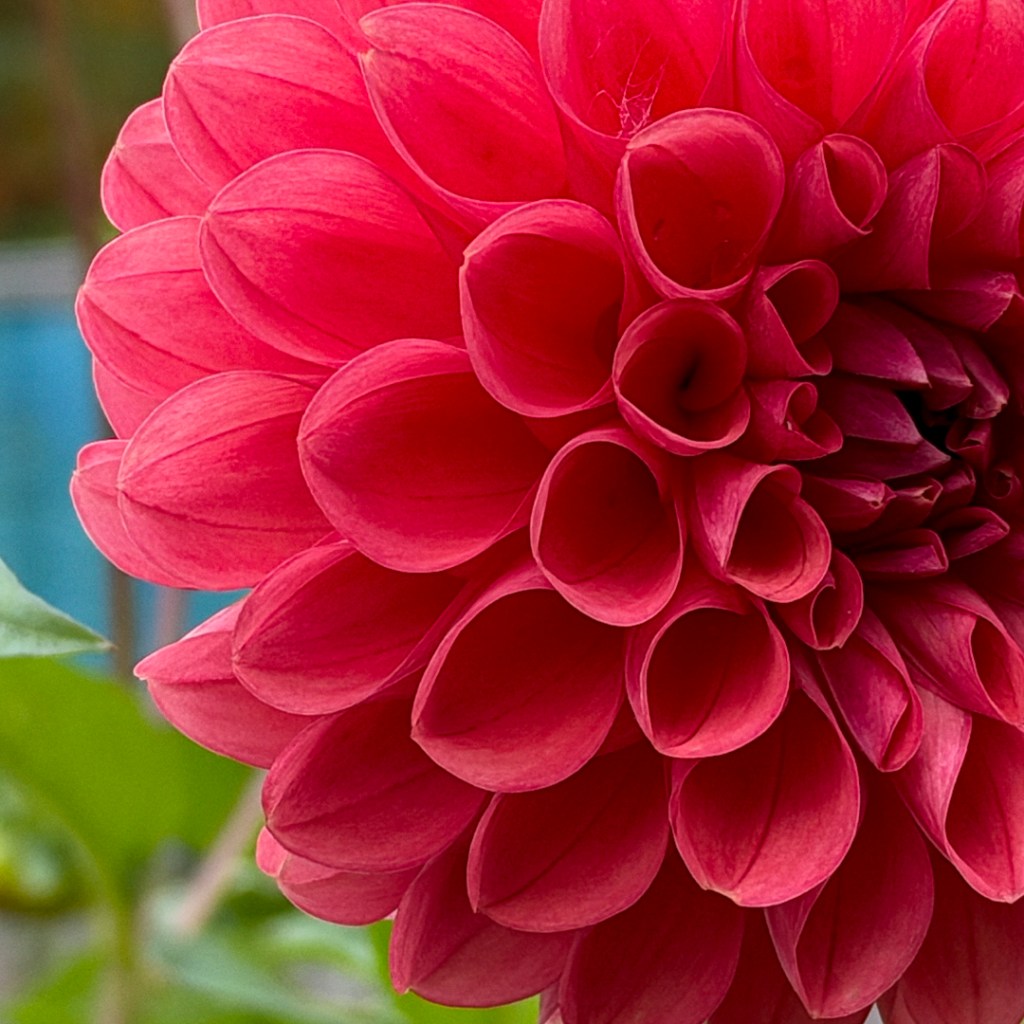
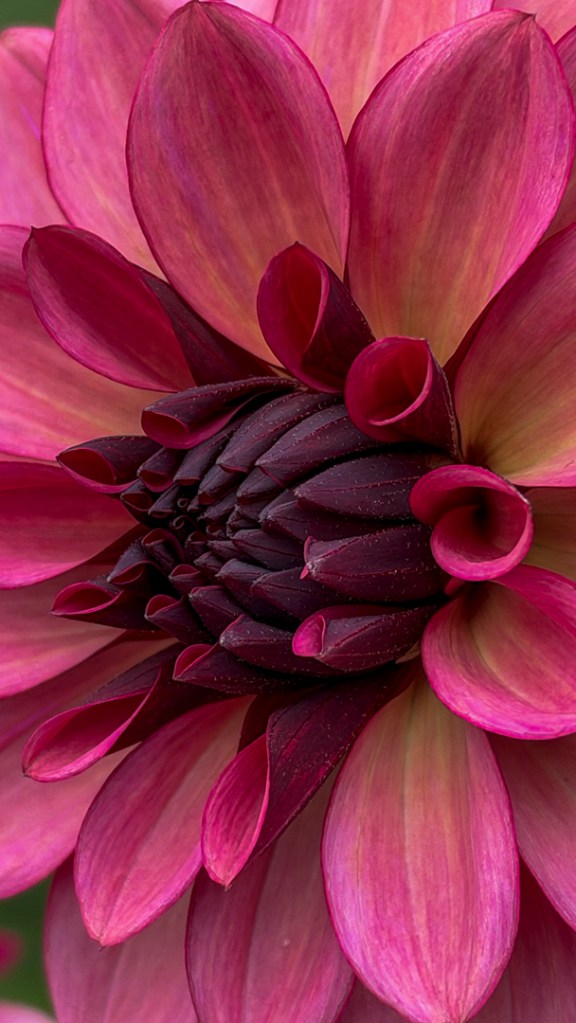
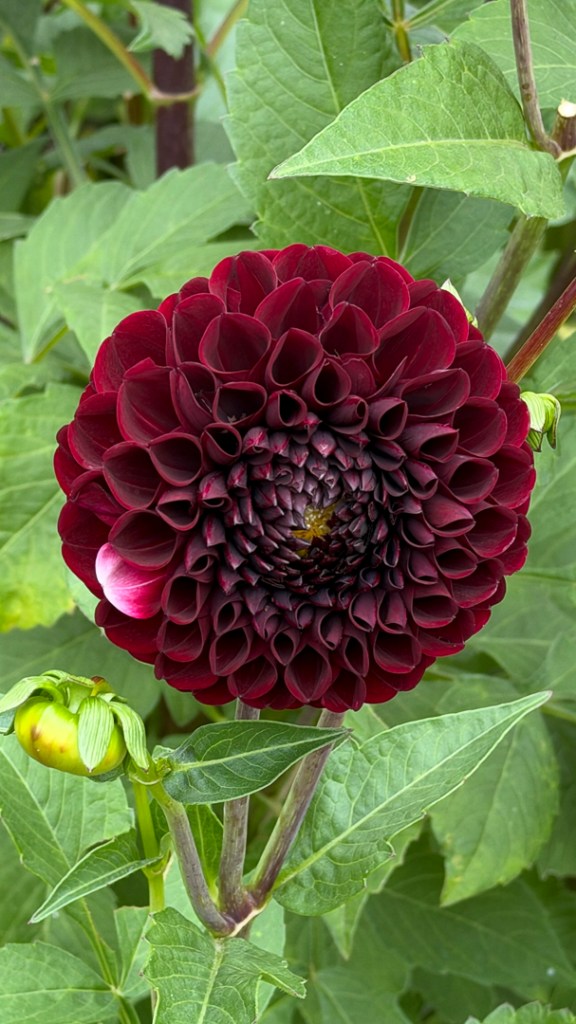
I mentioned in my last post that I had made the decision to purchase the new iPhone 18, with its advanced camera settings and editing options and its variable aperture lens. I took delivery of that new toy a couple weeks ago and have been playing with it since. I decided to take it out as my sole photographic tool for a quick photo shoot at a local garden. I wanted to know if it could fully replace a standard camera. Yes, we are at the end of our growing season, but there are still beautiful colours out there, only getting more beautiful as Fall sets in.
Here’s a look at what I packed to take to the shoot and how things turned out. (Note: some corrections are now included, as I discover new things).
So what does it mean to replace a camera with an iPhone? First, it means no more viewfinder – only a screen. That is a big adjustment for me, even though I have always routinely taken pictures with my iPhone. A viewfinder immerses me in the scene, and frankly, with my age-related diminishing eyesight, is easier to see clearly than a screen. More importantly, it allows me to frame and edge patrol, checking for the best composition to achieve my intent. I did find that missing by solely relying on the iPhone.
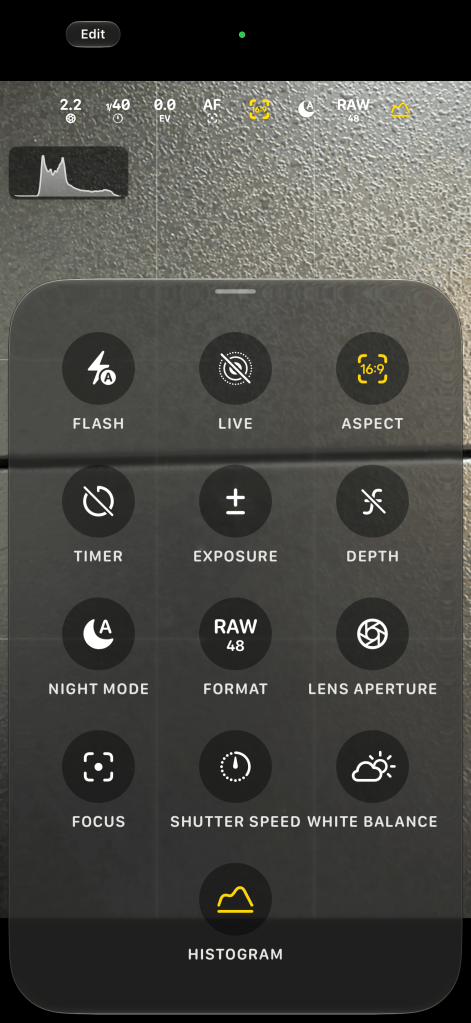
So instead, I mounted the phone on a travel tripod and slowed down, touching the settings on the screen (and there are a lot of them as shown above) for each shot, to make sure everything was right. Between the travel tripod and the phone, the weight of the rig was amazingly light, and I could easily move it with one hand, a couple fingers really, and place it wherever I needed. A big plus on the scoresheet for that. With the phone case and bracket from Peak Design, I had a fully flexible, tiltable, easy on, easy off setup.
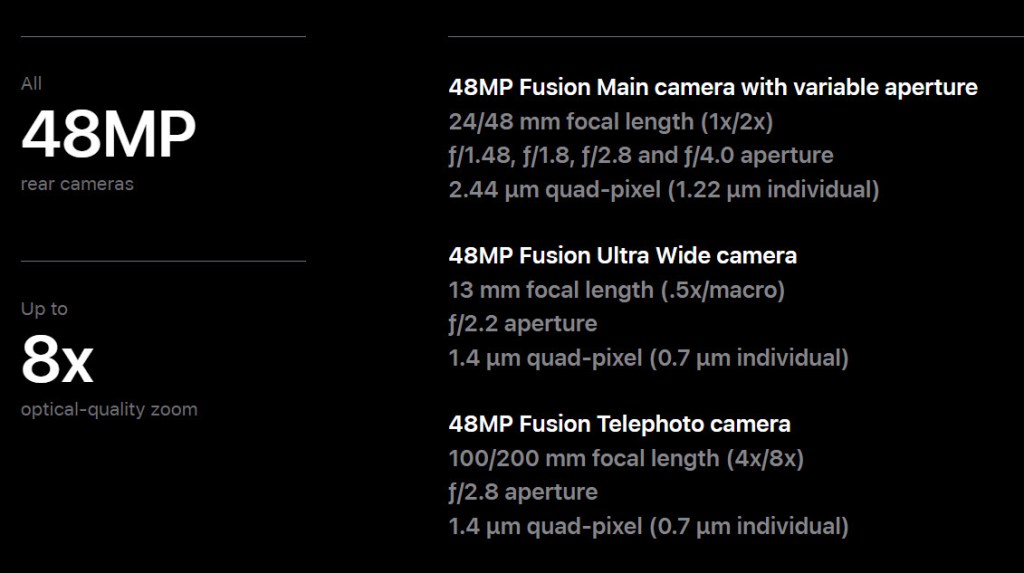
As I wandered, I tried both wide and macro shots, all of which were easily accommodated by the phone. The phone is not fully manual, in that the choice of which lens to use for the shot was automated and not my choice. And using any lens other than the 1x main lens meant that the variable aperture and all of the detailed settings were not available to me. So you really can only have full control with a full width shot, which is not something revealed in the launch event. The only way around it would be to zoom with your feet and I did do some of that as well.
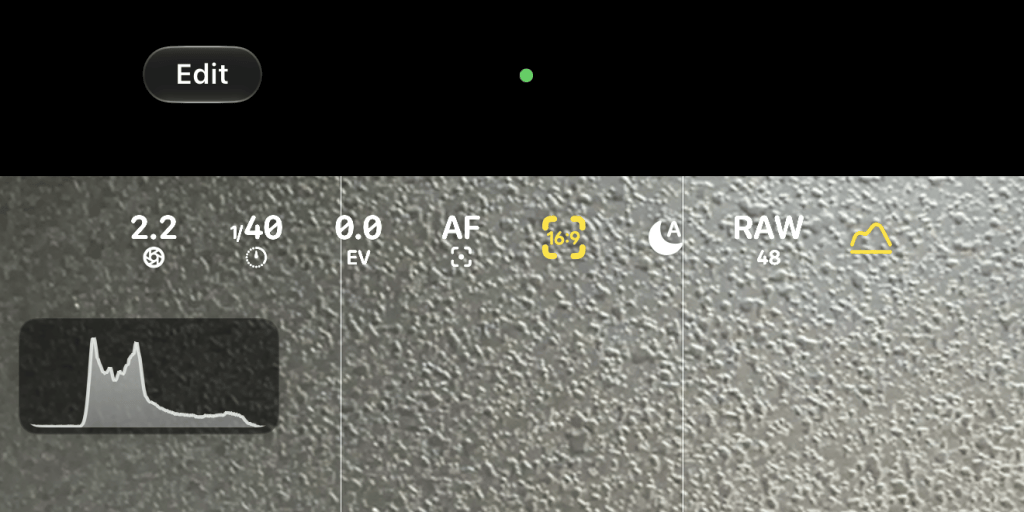
One fantastic addition to the display is the histogram, which I have come to rely on for all of my photography. I have one now on my iPhone as well. I referred to it constantly as I shot.
Because the phone made the choice on which lens to use based on the level of zoom I had selected, there were moments where the view on the back of the screen pulsed a bit, almost as though the phone was trying to decide which lens gave the best result. It not only evaluates the distance to the subject, but also the subject itself, deciding where the focus is best positioned and which lens achieves that sharp focus. You can override that focus point and pick another, but it was interesting how the iPhone initially approached the scene. (Correction: you do have full control over which lens is selected – through the Focus option in the panel. Or you can let the phone select it.)
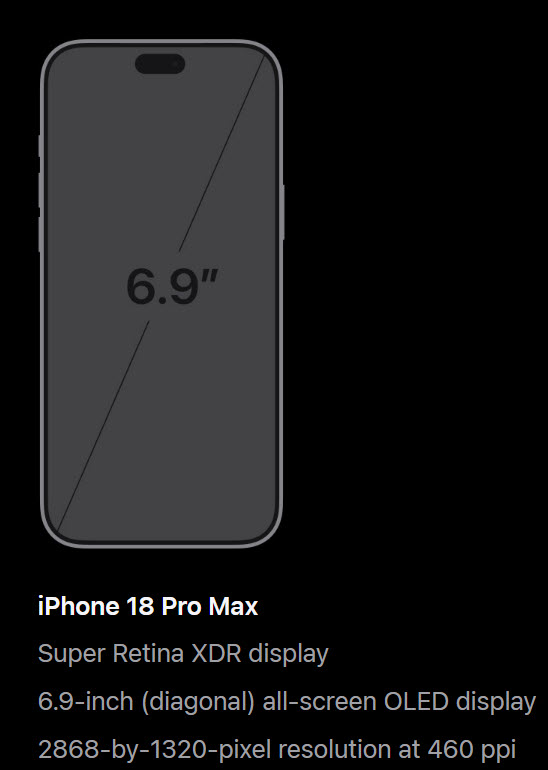
One real positive of using the iPhone is simply the physical size of the display. I always buy the Pro Max series, so I go as big as it gets. The display on the new phone is bright, detailed and beautifully colour balanced. For someone like me, whose senior vision is declining with age, it makes a huge difference. The trade-off of course is just the ability to hold and maneuver the phone. Along with declining eyesight is increased arthritis in the hands, making holding a large device more and more challenging. Another reason why the Peak Design case and bracket and travel tripod came to be so handy. With a traditional camera, I can stabilize the scene by the three points of contact with my hands and my head. Not so with the phone. So there are definitely some trade-offs as an older photographer when using the new iPhone 18 Pro Max series. (Correction: as I continue to work with the iPhone 18, I’m starting to appreciate just how good the image stabilization is. Once you point at something and attempt to hold yourself still, the image on the screen does not move at all. Absolutely great for my senior hands.)
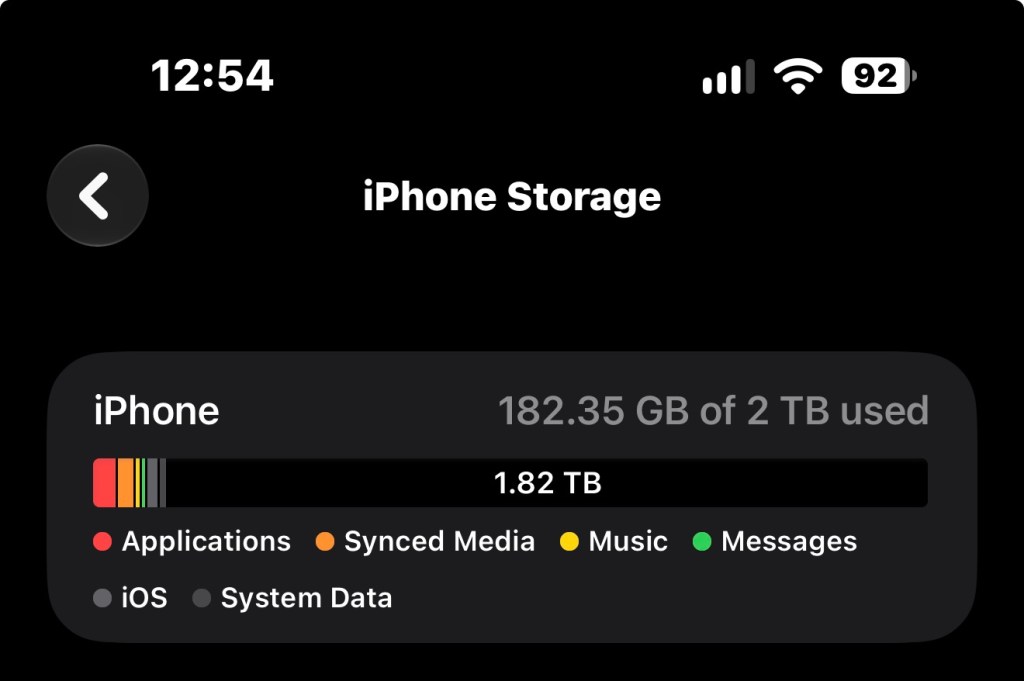
One thing you might wonder about is how I can shoot an entire outing without using up all the storage space on my phone, particularly when shooting in the available 48MP RAW format. Apple is notorious for charging a huge premium for storage space, so this is a decision that I did not make lightly. I chose the largest available storage capacity of 2 TB and yes, paid dearly for it. My argument is that this is likely the last new phone I will ever own and, if like the previous model, I will have it for 4-5 years at least. So over that period, the investment may be a bit easier to justify. I don’t switch out my phone each year and recognize, in reality, that there are not likely more switchouts of any kind in my senior future.
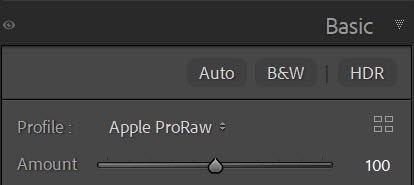
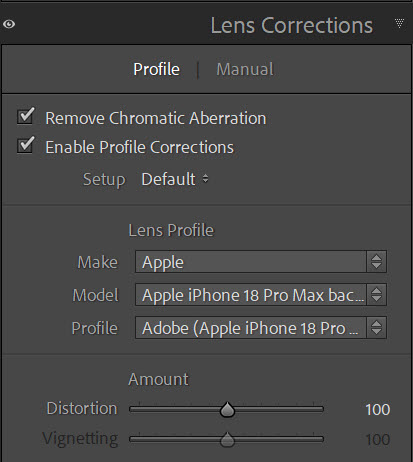
So I got the shots, now what? That’s another wonderful advance. Now that the iPhone uses a USB-C connection, I can easily import my images to my home hard drive quickly and easily using the same cable I use for everything else. Despite the huge storage I’ve purchased, I don’t want all of my images to stay on my phone. So off they come and they are imported into Adobe Lightroom and stored on my network hard drives. Adobe treats this new iPhone as another professional camera, and includes RAW converter profiles for it in its software, along with lens correction profiles. Very very cool. I can then edit, share and store the final images in exactly the same way as I do for all my photographs. I love the seamless workflow. (Correction: you have lots of choices in how to offload your images from your phone, including having Lightroom Mobile sync them directly to your desktop at home. Although it is possible to use Apple Photos on either your Windows or Mac computer and sync them automatically that way, the sync’d files on Windows are always .jpg’s, even if you shoot in Apple RAW. So Windows users need a different option for downloading Apple RAW files.)
There are lots of onboard features that I have not yet explored, including active subject tracking, onboard editing with AI, photographic styles, low light performance and of course, video. That will come over the next few months. This investment was not a “no-brainer”, as the cost for these advances in technology seems to increase exponentially each year. The huge lineups we used to see at Apple stores ain’t there no more. We are all being more judicious in our decisions. But I truly am pleased with the first few experiences and look forward to sharing more of them with you later on. For now, some wonderful images to enjoy.



I still don’t think I could ever give up the tactile feel of a traditional camera, but your point about the big, bright screen for aging eyes is hard to argue with. Might have to borrow someone’s Pro Max just to test out that histogram display!
LikeLike
Excellent, Nina. I love how you experiment with all your new gear. I guess when you take that future vacation and only bring your phone, then you know that you truly have replaced your equipment. Getting closer every day.
Donna B
LikeLike
Hi Nina, An excellent write-up. Thanks. I have the 16 pro and looking forward to getting the 18 Pro Max in the spring. I’m using my phone more and more and, like you, recently did a shot in a dahlias garden. Very successful. I’m using the iPhone considerably more than “my camera that I can’t make phone calls with”.
Hope all Ida’s good with you.
Leif
LikeLike