
 Not quite what you expected? In the northern hemisphere, Fall is typically about shutting down, about returning to routines that don’t include time at a vacation home or sunlit walks in shorts and a floppy hat. We begin to cocoon, bringing in our lives indoors, at least more so when it gets dark 4 hours earlier.
But Fall is also about renewal of the craft of photography. Myriad trade shows, new gear releases, new software releases – everything to tantalize the tastebuds for next season. I’m less caught up in this than I used to be, but still find some of the new developments fascinating. Continue reading “Fall is About Renewal”
 Many of my generation are travellers. We have done our bit for job, country and family, and now have the time and the funds to see the world. Many of us travel to exotic locations, with cultures not remotely similar to ours, to experience all that human civilization has to offer. I’ve seriously considered joining my friends, especially where the destination offers some unique photography. But I’ve also come to realize that much of the beauty of life can be experienced right here, in the country where I live, Canada.
 It seems there are as many ways as there are people to deliver a critique for an image. Some concentrate on the technical, supposedly objective, aspects that anyone can see; some on the storyline; some on the overall presentation. Feedback can range from how the image makes the viewer feel, right through to steps to “fix” it.
 And the more software that includes blend modes, the more frustrated I get at their lack of ability to explain in plain English exactly what they are. I’ve read countless blogs, gone to workshops partly to understand them, watched countless YouTube videos looking to make sense of them, and more often than not, the recommendation of the instructor is simply to try them and see what happens. My brain needs more. I want to be able to explain them. This post will try to do that.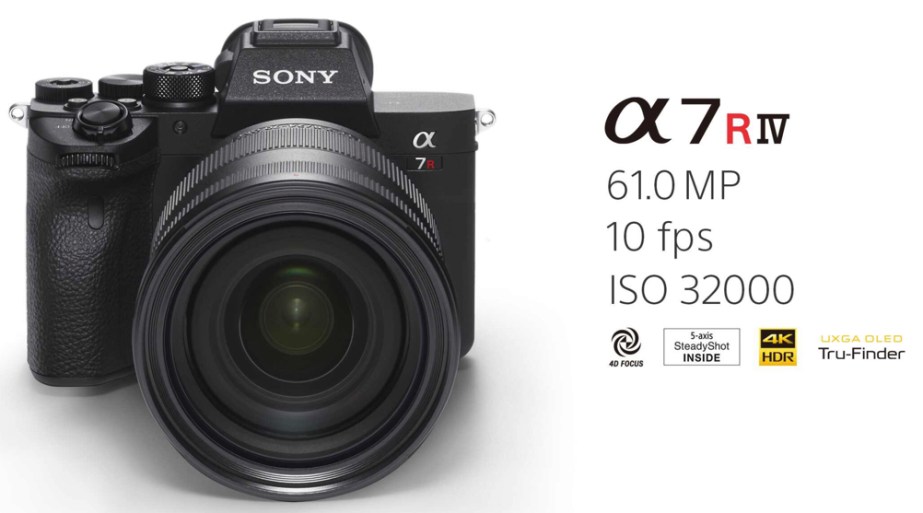
 Skylum announced the upcoming release of Luminar 4, scheduled for sometime in the fall. Originally released in 2017, the company and the product have gone through some interesting evolutions.
 I can shoot an image, I can even stage a scene. But more often than I would like, I completely blank out when I bring the raw image onto the computer. I ask myself – now what? What’s the final look I want to achieve with this image? How should I present it?
 I’ve just returned from a two week trip to Newfoundland. If you have not been to the east coast of Canada, make a plan to go. It is an amazing experience – socially, culturally, but also photographically.
 oldgirlphotography.ca